
Section Element
The Section element (available since 1.5) allows you to structure/divide your page into self-containing areas (think: one topic per section).
The Understanding the Layout article covers in more detail how to best use the layout elements in Bricks.
The Section element has a default width of 100%, uses the section tag, and flexbox.
It should be used at the root level to structure your page into self-containing areas.
When adding a Section to the canvas, a Container element is added inside of the Section automatically. You can delete this Container if not needed. It’s just the default behaviour to speed up your site creation process.
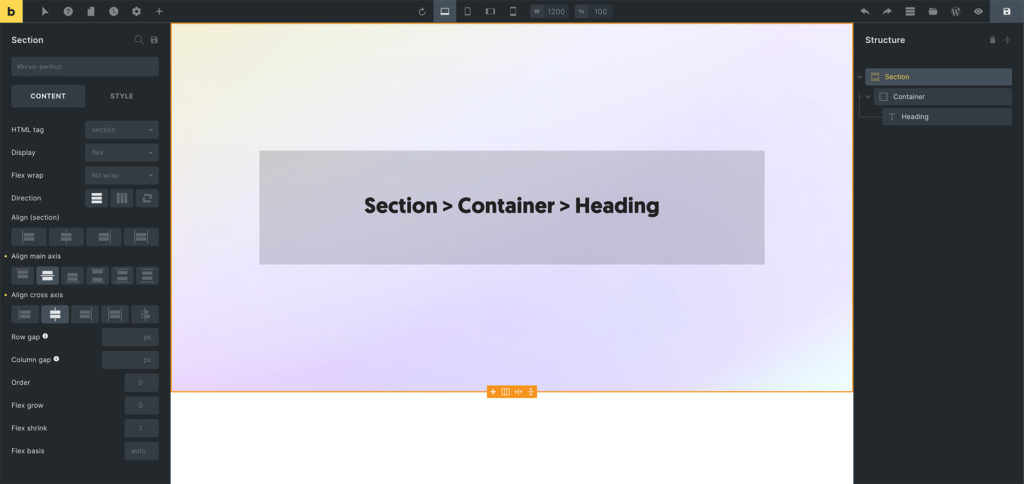
Example: Section > Container > Heading
Theme Style: Element - Section
Section titled “Theme Style: Element - Section”You can change the section width, min-width, max-width, margin, and padding in your theme styles under the “Element - Section” group.